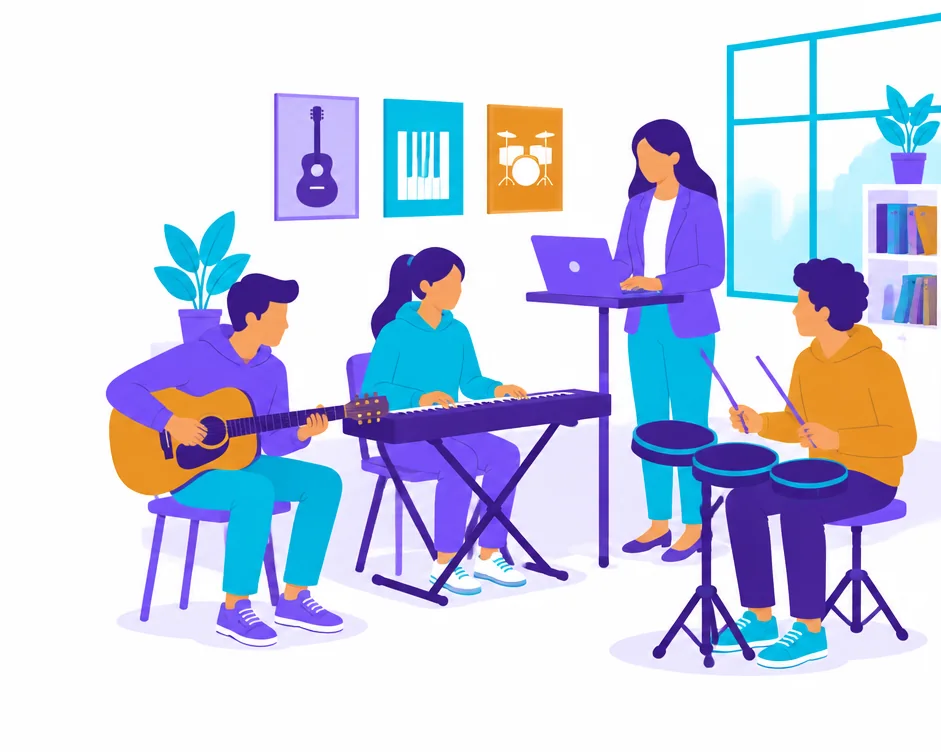
Pick your seats and see the price before you commit. Instructor and administrator accounts are included at no charge.
3instruments — guitar, keyboard, drums & pads
15courses, from first chord to exam repertoire
326teachable topics, each with a native lesson
0cost for teacher and admin accounts
Why schools choose it
Built for a room of thirty, not one bedroom.
Most music apps are made for a solo learner. This is made for a teacher with a class, a timetable and a head of department asking what improved.
One screen teaches the class
Pick a class, resume exactly where the last lesson stopped, start an audible metronome, change tempo, show the exercise, take attendance and set follow-up practice. Fullscreen turns the same screen into a projector view with student names hidden.
Evidence you can defend
Scoring is deterministic code, never a guess. Every result says how it was earned — on-screen keys, MIDI or microphone. Practice minutes stay practice minutes: they never quietly become mastery, and a game pass is not a lesson pass.
Phones optional
Not every student brings a device, and not every school wants them to. Print the class practice sheet, run a shared station, or teach the whole lesson from the front. Nobody is locked out for not owning a phone.
Assign to a class, a group or one student
Draft an assignment privately, then publish it to exactly who needs it. Set the instrument, the unit or topic, a practice target and a due date. Students only ever see what has been published to them.
Review and send it back
Submissions arrive in one inbox with their input source attached. Leave a rubric-backed comment, ask for a retry, and the student gets a concrete next attempt instead of a silent score.
Works when the Wi-Fi doesn't
Lessons and audio cache on the device. A dropped connection in a practice room does not end the lesson, and reports sync when the network returns.
Curriculum
Your syllabus, not ours.
Teach from our courses, prepare for graded exams, or map lessons onto the programme you already run.
Mentor courses
Original, sequenced courses written for classroom teaching.
Acoustic, electric, blues and bass guitar
Theory and ear training
Keyboard, including an Indian-music track
Drums & pads
Graded exam prep
Trinity classical guitar repertoire, organised by grade.
Repertoire grouped by conventional difficulty
Engraved scores with play-along
Teacher preview before you assign
Always check the current examination board requirements — we do not claim board certification.
Cambridge companions
Original teaching activities for Primary and Lower Secondary music.
Performing, creating and informed listening
Concrete tasks with observation rubrics
Guitar, keyboard and drums variants
Companion material written by us. Not an official Cambridge framework and not a certified stage mapping.
Getting started
Teaching by next week.
01
Create your school account
Register your institution, choose your instruments and the learning paths you teach. Takes a few minutes.
02
Pick your seats
Set how many students learn each instrument. You see the price before you commit — no quote to chase.
03
Pay by bank transfer
A proforma invoice with full payment details reaches your inbox straight away, ready for your accounts team.
04
Add classes and teach
Invite instructors, build classes, publish your first assignment. Teacher and admin accounts cost nothing.
Pricing
One seat, one student, one instrument.
A student learning two instruments uses two seats. Seats are sold in blocks of 50, from a minimum of 50. Instructor and administrator accounts are free.
Starts at
₹1,200/student/instrument/year
That is ₹100 a month per student — a fraction of one month of private tuition.
The dashboard prices your exact seat mix before you request anything.
Volume pricing per seat per year
Seats
Per seat / year
Per student / month
50 – 100
₹1,200
₹100
150 – 250
₹1,050
₹87.50
300 – 450
₹900
₹75
500 – 950
₹800
₹66.67
1,000 – 1,950
₹700
₹58.33
2,000+
₹600
₹50
Prices exclusive of taxes as applicable. Annual licence. Invoice and bank transfer; purchase orders welcome.
What we will not do
We would rather show you a gap than invent a number.
Reports separate what was measured from what was claimed. Attendance in a live class is attendance, not proof a student played. Practice time is practice time. A verified mastery star needs a MIDI instrument, because touch alone cannot prove it.
If a head of department asks where a grade came from, you can answer them.
✓ Every result names its input source
✓ Scoring is deterministic, never generated
✓ Practice minutes never become mastery
✓ Student data stays inside your institution
✓ Leave and your students keep their own history
Start with one class.
Seats start at a block of 50, so you can begin with a single class or year group and add more once it is working. Bring your own syllabus and see what the reports tell you.
Questions, or want a walkthrough first? Email admin@plugai.in.
Questions we get asked
Do students need their own phone?
No. You can teach a whole lesson from the front of the room, print practice sheets, or run a shared station. Personal devices add home practice and individual reports, but nothing requires them.
What if a student learns two instruments?
That is two seats. It keeps the maths simple for everyone — you always know what a seat is and what it costs.
Can we pay by purchase order?
Yes. Choose your seats and you get a proforma invoice with full bank details by email, ready to hand to your accounts team. Access opens once the transfer is verified.
Do teacher accounts cost extra?
No. Instructor and administrator accounts are free. You are billed for student seats only.
What happens when our licence ends?
Thirty days of read-only access so nothing disappears mid-term, then the workspace is archived. Students who leave keep their own personal practice history on their own account.
Can you onboard students under 18?
Not yet through self-service. Verified guardian consent under India's DPDP rules is a prerequisite we are completing, so today we onboard academies, colleges and adult programmes. Talk to us about your timeline and we will be straight with you about ours.